Security camera buying guide: PoE vs Wi‑Fi, NVR vs cloud, and what to plan before installation
Start with what you need to see and how long you need to keep recordings. Then check power, cable routes, Wi‑Fi, mounting access, account ownership, and subscription costs. A camera bundle may look inexpensive until the property needs extra wiring or the recording plan does not cover the hours you expected.
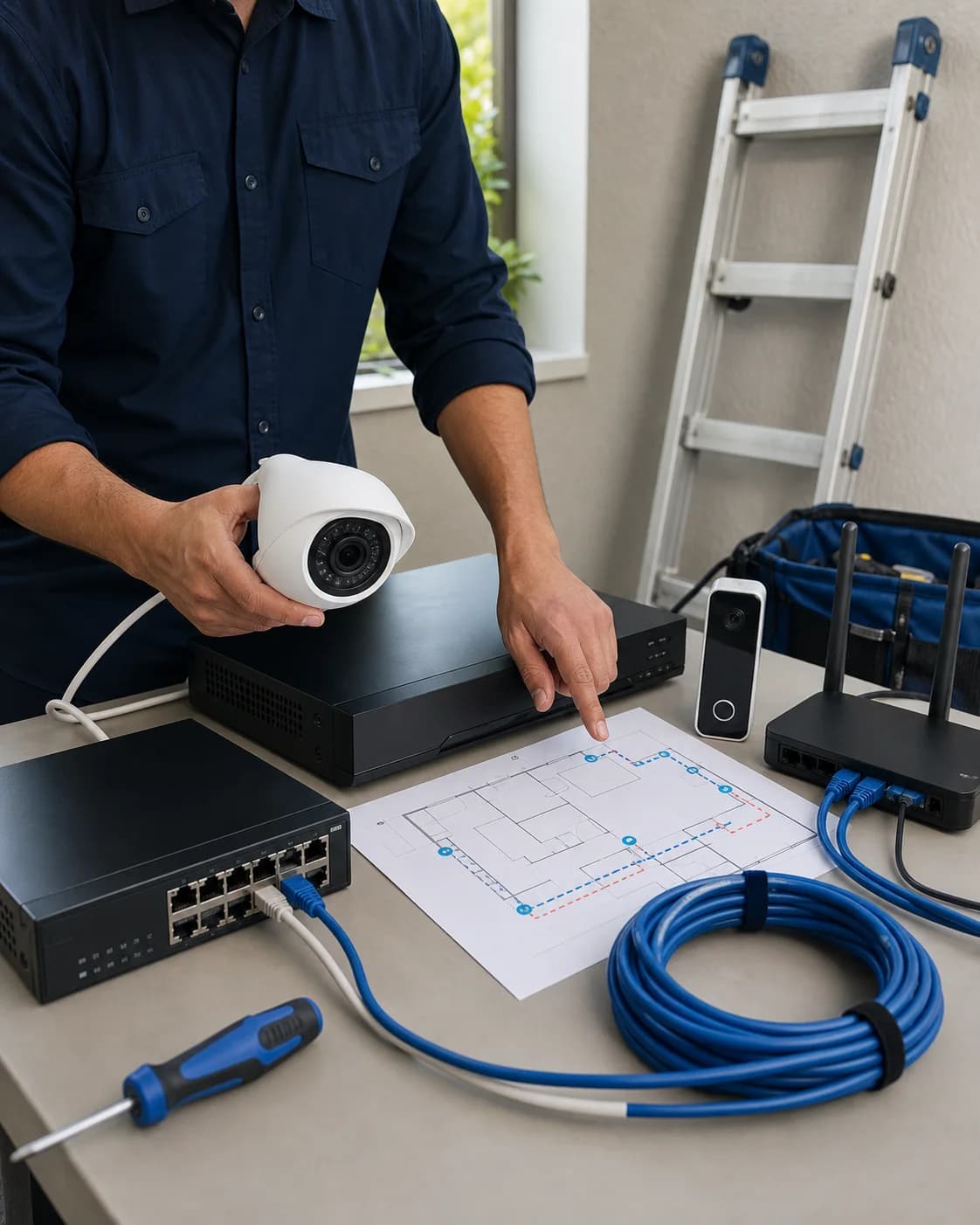
Plan camera views, cable and power paths, recording, storage, app ownership, and network capacity as one system before equipment is purchased.
Guide updated
Check the symptoms before changing the setup.
Plan camera views, cable and power paths, recording, storage, app ownership, and network capacity as one system before equipment is purchased.
Decide what the cameras need to capture
Plan the views and recordings before choosing cameras.
Decide which views matter, how much recording history you need, and what should happen during an internet or power outage. Those choices determine the cameras, storage, power, and network requirements.
1Define the required views
2Choose wired, wireless, or hybrid
3Prove power and network paths
4Size recording and retention
5Hand control to the owner
6Test before sign-off
Connection and recording options
PoE/NVR, Wi-Fi/cloud, and hybrid solve different problems.
Compare these options against the property, recording needs, and available cable routes. No single type fits every site.
PoE cameras + local NVR
One network cable carries power and data
Usually best for
Multiple cameras, dependable recording, businesses, larger homes, and sites where long-term serviceability matters.
Strengths
Stable wired links are less dependent on Wi-Fi coverage and battery condition.
Local recording can continue during many internet outages when the LAN, NVR, cameras, and power remain available.
One recorder can provide a consistent timeline, retention policy, user list, and export workflow.
Plan for
Cable paths, drilling, weatherproofing, switch/NVR capacity, and safe mounting need real site planning.
The recorder, PoE switch, router, and cameras need protected power; a UPS runtime must be sized, not assumed.
Remote viewing still needs a secure, supported account path and reliable upload bandwidth.
Wi-Fi cameras + cloud plan
Fast placement, but every camera depends on radio and account conditions
Usually best for
A small camera count, rentals or light-duty coverage, and locations where new cabling is impractical.
Strengths
Usually quicker to place and easier to expand one camera at a time.
Cloud clips may remain available if a camera or local device is stolen, depending on the plan and upload completion.
Consumer apps can make routine alerts and sharing simple for the account owner.
Plan for
Signal bars do not prove reliable uploads; congestion, walls, roaming, and upload limits can create missed or delayed clips.
Subscriptions, feature tiers, clip duration, event cooldowns, and plan changes affect the real cost and evidence available.
Battery models need a maintenance routine and may wake after motion begins rather than recording continuously.
Hybrid local + cloud
Local continuity with selected off-site features
Usually best for
Sites that need local history plus remote alerts, selected cloud backup, or a mix of wired and difficult-to-wire locations.
Strengths
Can combine continuous local recording with cloud events or off-site copies where the platform supports it.
Allows wired cameras in critical areas and Wi-Fi devices only where their compromises are acceptable.
Provides more recovery paths when each layer is deliberately configured and tested.
Plan for
Two storage paths do not automatically mean the same footage exists in both places.
Mixed brands can create separate timelines, permissions, subscriptions, notifications, and support boundaries.
Complexity rises quickly; document which app, account, recorder, and retention rule owns each camera.
Before ordering equipment
Eight questions to answer before buying.
If you cannot answer these yet, check the site and return policy before ordering. Missing cable routes, incompatible power, and unsuitable camera views can change the purchase.
1What decision should the system help with: live awareness, package activity, vehicle detail, entry identification, after-hours review, or general deterrence?
2Which views are essential, and which are merely nice to have? Name the doorway, gate, driveway, register, stock area, yard, or equipment zone.
3Is continuous recording required, or are motion events acceptable? Battery and many cloud cameras are not substitutes for a true continuous recorder.
4How many days of usable history are actually needed before old footage may be overwritten?
5Who owns the property, business, camera system, subscriptions, and footage, and who is authorized to approve installation and viewing?
6Who needs live view, playback, exports, alerts, or administrative changes? Those are different permissions.
7What happens during an internet outage or power failure, and which cameras must keep recording?
8What is the realistic installed budget, including storage, subscriptions, mounts, cable, network upgrades, UPS equipment, labor, and future maintenance?
Site-readiness checks
Check the view, power, connection, storage, and account for each camera.
Placement and scene
Walk every proposed view at day and night. Check face/vehicle direction, mounting height, glare, backlight, headlights, branches, moving shadows, weather, tampering, and whether the lens would capture an inappropriate private area.
Power and outage plan
Identify the exact outlet, transformer, PoE budget, circuit, weather protection, and backup-power path. A battery icon or UPS label is not proof of runtime; estimate load and test the behavior during a controlled outage.
Network path
Confirm cable routes or measure Wi-Fi at each mounting point. Count switch ports, PoE wattage, VLAN/firewall requirements, upload capacity, and remote-viewing method without opening unnecessary inbound ports.
Recorder and storage
Match camera count, resolution, codec, frame rate, continuous/event mode, drive class, usable capacity, export needs, and future expansion to the recorder, not just the number printed on the box.
Account ownership
Create the system under the customer-controlled owner or business account. Record the recovery owner, billing owner, approved users, and handoff process; the technician should not become the permanent owner by convenience.
App and alert workflow
Test who receives alerts, how quiet hours work, what an event opens, how playback is found, and how a clip is exported. More alerts are not better if everyone learns to ignore them.
How long recordings are kept
Check how much recording history the system actually keeps.
Recording settings, scene activity, drive condition, and subscription limits all affect the history available for playback or export.
Estimate before purchase, then verify after the system has recorded representative days. Retention is a measured result, not a guarantee based only on drive size.
Factors that affect security-camera recording retention
Retention factor
What to verify
Resolution, frame rate, and codec
Higher resolution and frame rate normally consume more storage. H.265 may extend retention but device compatibility and export playback still need testing.
Continuous vs. event recording
Continuous recording uses predictable storage. Event recording can last longer, but sensitivity, cooldowns, detection zones, and missed triggers decide what was actually captured.
Scene activity
Busy streets, trees, rain, insects, headlights, or a crowded business can create far more events and bitrate than a quiet test scene.
Local drive capacity
Advertised drive size is not the same as usable retention. Formatting, camera count, reserved space, drive health, and overwrite settings all matter.
Cloud subscription terms
A plan may retain only events, cap clip length, delay uploads, limit downloads, or change features by tier. Verify the current plan inside the owner’s account before relying on it.
Failure and export tests
A timeline visible today does not prove recovery tomorrow. Test playback, one owner-approved non-sensitive export, time accuracy, drive warnings, and what happens when internet or power is interrupted.
Local history
Confirm oldest available recording, overwrite mode, drive health, and playback from the recorder.
Cloud history
Confirm exact tier, clip/event limits, retention days, billing owner, and export behavior in the owner’s account.
Usable evidence
Check timestamps, night detail, search speed, export playback, and whether the required subject can actually be identified.
Customer-controlled access
The customer owns the account, recovery path, permissions, and final handoff.
The customer or authorized business owner controls the primary account, recovery email/phone, billing, and MFA.
Each user has an individual login where supported; shared administrator credentials are avoided.
Live view, playback, export, device administration, and user administration are granted only where needed.
Remote access uses the vendor’s supported encrypted path or an approved secure network design. Public port forwarding is not the default.
A written handoff identifies the cameras, recorder, storage mode, approved users, subscriptions, warranty path, and how access will be removed when someone leaves.
Tech Genie does not keep hidden, indefinite, or owner-level access after the agreed setup/support window.
Placement, audio, and privacy
Authority to buy equipment is not automatically authority to record every view or conversation.
Confirm property and business authority before installation. Avoid bathrooms, bedrooms, changing areas, unrelated neighboring interiors, and other places where recording would be inappropriate or unexpectedly intrusive.
Audio, workplace, tenant, landlord, HOA, signage, public-facing, and shared-property requirements can differ by location and use. Resolve applicable permissions and rules before enabling audio or finalizing placement; obtain qualified legal guidance when the situation is uncertain.
Use privacy masks, narrower views, role-based access, short justified retention, and documented user removal where appropriate. Do not publish or use identifiable footage outside its approved purpose.
Do not put passwords, MFA codes, recovery keys, private camera links, screenshots, recordings, or footage in website forms, ordinary email, text messages, or a service report. The owner enters credentials directly and controls any footage review or export.
Purchase worksheet
Camera purchase worksheet
Record the required views, recording time, equipment, accounts, installation work, and tests before ordering.
Complete unknowns before ordering non-returnable equipment or authorizing installation. Open this section before printing or saving the page.
These are signs that the design, ownership, or test plan is not ready for checkout or installation.
Buying by megapixels alone without checking lens angle, distance, lighting, frame rate, codec, sensor performance, or playback quality.
Planning Wi-Fi cameras from indoor signal bars instead of measuring at the final exterior mounting points.
Assuming every camera records continuously, records during an outage, or includes cloud history without verifying the exact model and plan.
Using a technician’s email, phone, app-store account, or payment method as the permanent camera-system owner.
Opening recorder or camera ports directly to the public internet because remote viewing is not working.
Mixing brands without confirming one workable view, alert, playback, export, support, and retention workflow.
Installing before property authority, placement, audio, neighboring views, workplace/tenant expectations, or applicable rules are resolved.
Treating a live picture as completion without testing night view, recording, timestamps, search, export, account recovery, and outage behavior.
Planning considerations
A checklist does not authorize access, recording changes, resets, or outages.
No camera, recorder, router, switch, account, cloud plan, audio feature, or remote-access setting is changed automatically.
No factory reset, firmware change, storage initialization, drive replacement, deletion, overwrite, port-forwarding change, or service interruption occurs without an explained scope and explicit manual approval.
Existing footage, settings, evidence, warranties, account ownership, and business operations are preserved or backed up as appropriate before an approved change begins.
Request a camera project review
Get the installation requirements checked before buying.
Tech Genie can review views, cable and Wi-Fi paths, PoE/network capacity, recorder storage, account ownership, remote access, and acceptance tests before preparing a project quote. Final equipment and labor depend on site access, approved placement, power, network condition, and customer-selected recording requirements.
We can investigate the symptoms, explain the findings, and carry out the work you approve. Unresolved issues and provider referrals are included in the service notes.
Turn the required views, camera count, recording goals, app workflow, retention expectation, and expansion plan into a clear equipment and installation scope.
Review power, Wi‑Fi, Ethernet, PoE, recorder, switch, router, upload, mounting, surface, weather, and cable-route constraints before the final purchase.
Set up approved cameras, recorder basics, remote viewing, alerts, playback, and shared access while the customer enters credentials and keeps ownership of accounts and recovery methods.
Separate work that fits an ordinary setup visit from mounting, wiring, parts, high-access work, electrical work, vendor support, or a larger quote before changes begin.
FAQ
Questions about this problem.
Are PoE cameras better than Wi‑Fi cameras?
Neither is automatically better. PoE can provide stable power and data through one Ethernet cable and often fits multi-camera local-recording systems, but it requires cable paths and compatible switching or recording hardware. Wi‑Fi can reduce data cabling, but each camera still needs power and dependable coverage at its mounting point. The property and recording goal decide the better fit.
Should I buy an NVR system or cloud cameras?
An NVR can keep recording local and may fit continuous multi-camera coverage, while cloud systems can simplify off-site access but depend more on internet upload, vendor service, and subscription terms. Some properties benefit from a hybrid. Compare failure behavior, retention, exports, account ownership, ongoing cost, and app support, not only purchase price.
How much camera storage do I need?
Storage depends on camera count, resolution, bitrate, codec, frame rate, motion versus continuous recording, scene activity, and the retention period you need. Use the exact recorder or vendor calculator with conservative settings, leave expansion room, and verify real playback after installation rather than promising days from drive size alone.
Can Tech Genie tell me where cameras may legally record?
Tech Genie can discuss camera views, blind spots, mounting, access, and privacy-focused configuration, but does not provide legal advice. Laws, leases, HOA rules, workplace policies, audio recording, shared property, and sensitive locations may affect what is appropriate. The owner should obtain qualified legal or policy guidance before installation when needed.
Tech Genie is not a licensed contractor. Construction-related work is limited to casual, minor, or inconsequential projects totaling less than $1,000 for labor, materials, and all other items, requiring no building permit, and performed without employees or paid helpers.