Local help · confirmed scope · clear next stepCall code: TG-WEB

Wi‑Fi installation and setup in Los Angeles

Wi‑Fi installation in Los Angeles for routers, mesh systems, access points, and home networks.

Tech Genie helps Los Angeles homes, apartments, home offices, and small sites set up Wi‑Fi without guessing. Get help with router setup, mesh Wi‑Fi installation, weak-room placement, device reconnects, access point planning, and practical notes before you buy another extender.

For urgent business internet or same-day help, call first. Web requests still need confirmation before they become appointments.

Fast callback

Need help choosing router, mesh, or access points?

Send the safe basics: ZIP code, ISP/router model if known, weak rooms, current equipment, and what devices are dropping. Keep passwords out of the request.

Keep it short: problem, ZIP, timing, and best callback number.

Keep it practical: symptom, device, room, timing, and urgency. Do not send passwords, Wi‑Fi keys, recovery/2FA codes, payment details, private files, or camera footage.

Good reasons to book setup help

Wi‑Fi installation is also device planning.

  • A new router or mesh system is still leaving weak rooms, dropouts, or confusing network names.
  • Cameras, printers, TVs, doorbells, or smart-home devices stopped working after a router change.
  • You are not sure whether to buy an extender, mesh kit, wired access point, or nothing yet.
  • A home office, small shop, studio, or rental needs cleaner Wi‑Fi before the next problem turns urgent.

What a setup visit tries to leave behind

Cleaner placement, fewer mysteries, better notes.

  • Confirm layout, ISP equipment, devices, weak rooms, and whether wiring or access points may matter.
  • Place router, mesh nodes, or extenders based on signal reality instead of random outlets.
  • Reconnect priority devices like printers, cameras, work computers, smart TVs, and smart-home gear.
  • Leave plain-English notes about what changed, what still needs equipment, and what can wait.

Avoid the common Wi‑Fi traps

The wrong install can make every printer, camera, and smart device feel broken.

Wi‑Fi work is not just speed tests. The useful outcome is a setup that people can live with: stable rooms, important devices connected, and clear next steps when hardware or wiring is needed.

Putting a mesh node inside the dead zone it is supposed to fix.

Keeping old Wi‑Fi names that confuse printers, cameras, and smart devices.

Buying extenders before checking router placement, ISP equipment, and building materials.

Changing network settings without a fallback plan for cameras, work devices, or shared printers.

Router first

Confirm the ISP handoff, gateway/router role, network names, and what will break if names change.

Mesh second

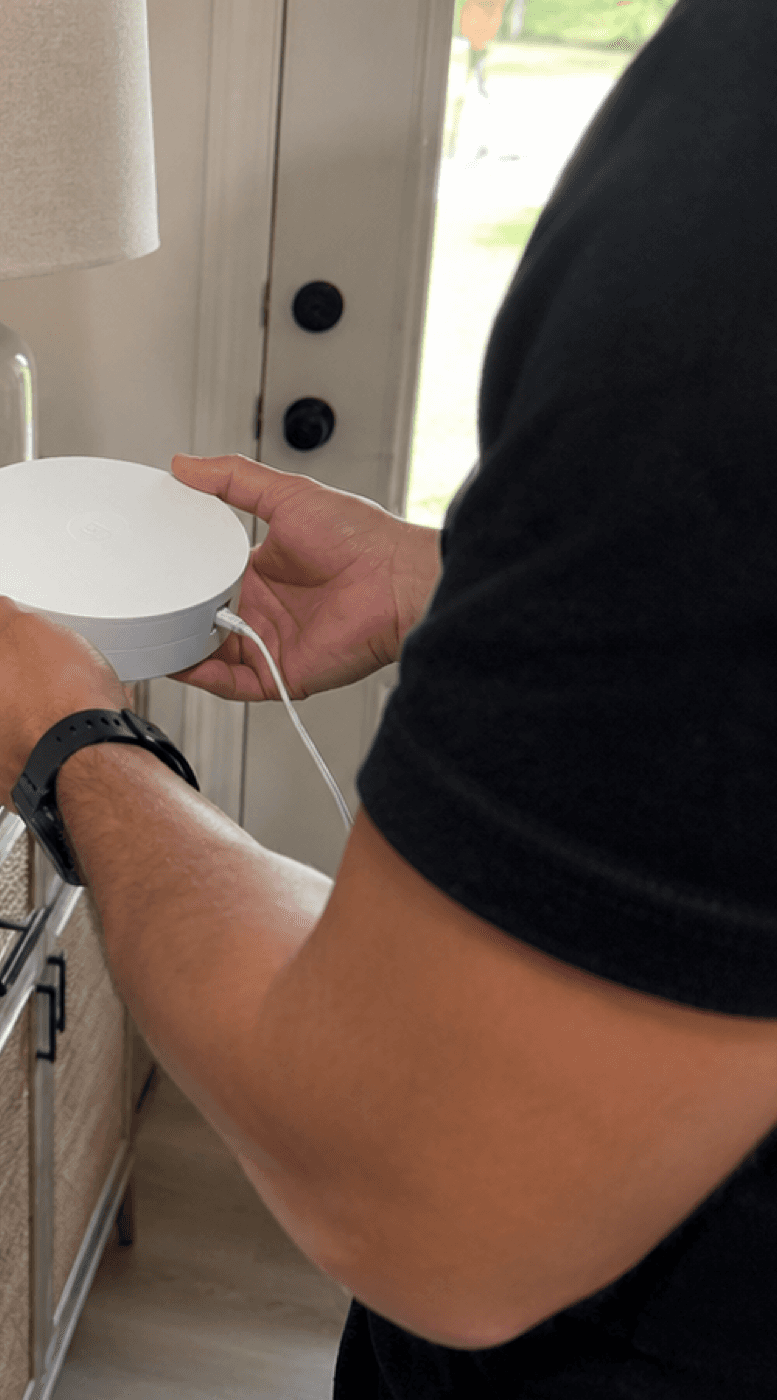
Place nodes where they still receive usable signal — not inside the weak room as a last resort.

Access points when needed

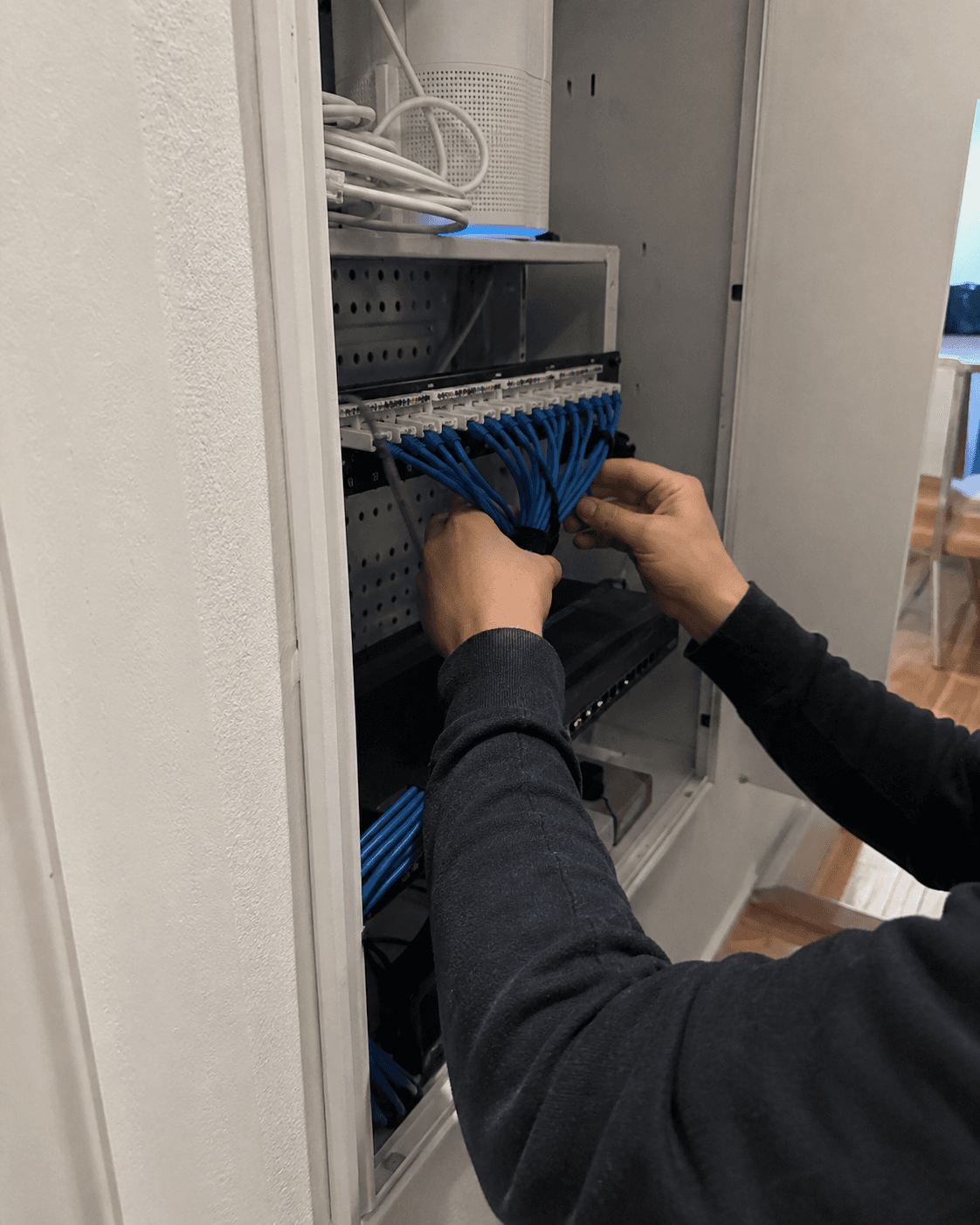
For bigger homes, offices, cameras, and patios, a wired access point may beat another mesh puck.

Wi‑Fi installation FAQ

Quick answers before you book.

Do you install mesh Wi‑Fi systems in Los Angeles?

Yes. Tech Genie helps with mesh Wi‑Fi setup and placement in Los Angeles homes, apartments, home offices, and small sites. Good mesh setup depends on where the main router is, how strong the backhaul signal is, and what rooms actually need coverage.

Can you set up a new router or home network?

Yes. Tech Genie can help with router setup, Wi‑Fi names, basic DNS review, device reconnect planning, printers, cameras, smart-home devices, and plain-English notes after the change.

Should I buy an extender, mesh system, or wired access point?

It depends on layout, building materials, the ISP gateway, wiring options, and where the weak signal starts. Tech Genie can check placement before you buy more equipment and can quote access point or wiring work when mesh is not the right answer.

Can you reconnect printers, cameras, and smart devices after Wi‑Fi installation?

Yes, when the devices and account access are available. Account sign-ins stay customer-controlled; if a password is needed, the customer enters it directly during the visit.

Wi‑Fi installation

Request Wi‑Fi installation or setup help in Los Angeles.

Share the safe basics: ZIP code, ISP/router model if known, weak rooms, current equipment, and priority devices. Keep Wi‑Fi passwords out of the request.

Safe intake

Describe the symptom, device, room, and timing — not passwords, codes, or private files.

Human confirmation

A website request is not final until Tech Genie confirms the scope and arrival window.

LA-area mobile service

ZIP code helps avoid bad travel promises and wrong arrival windows.

Call (818) 922-5157Call code: TG-WEB

Need a confirmed Square slot?

Square opens in its secure booking page because it blocks embedded booking on this site.

Open Square Booking
1. Service2. Window3. Details

Start here

What kind of help do you need?

Pick the closest match. You can explain the details later.

Wi‑Fi & Networking

Internet, routers, mesh, dead zones, access points, and network issues.

1 hr 30 min

Larger wiring, cabinet cleanup, camera install, access-point, rack, or business project? Use the quote page so access, parts, downtime, and approval are clear before pricing.Request a project quote.