
Printer troubleshooting and scanner help in Los Angeles
Printer and scanner troubleshooting in Los Angeles.
If the printer used to work and now will not, we can check the connection, print queue, driver and device settings. We test printing or scanning from your computer and explain when an aging printer needs replacement rather than another repair.
Starting at $125 · most first visits are about 1.5 hours · parts and complex office setups are priced separately
Keep Wi‑Fi passwords, email passwords, documents, scans, invoices, and client files out of web requests.
Problems we troubleshoot
Is the fault in the printer or its connection?
An offline message can come from a changed Wi-Fi network, the wrong printer entry, or a connection problem. A stuck job or failed scan needs different checks. We trace the failure before reinstalling software.
Printer offline and queue cleanup
Check stuck jobs, the selected printer and network address, then test printing again.
Learn moreWireless connection repair
Reconnect an existing printer after a router or Wi-Fi change and test from the computers that lost access.
Learn moreScanner connection problems
Check the scanner app and its destination, including supported computer, folder or email scanning.
Learn moreProblems after equipment changes
Printers that broke after a new router, mesh change, computer replacement, Windows update, or small-office network change.
Learn moreGood reasons to book printer help
What to tell us before the visit
- A printer says offline, jobs sit in the queue, or one computer prints while another one cannot.
- A wireless printer stopped working after a router, Wi‑Fi name, mesh, or internet equipment change.
- Printing works, but scanning to the computer, email or a shared folder does not.
- The printer may be cheaper to replace, but you want a practical diagnosis before buying the wrong model.
What you can expect
Test the result from your own computer.
- Confirm the printer model, network, affected computers or phones, recent router changes, and whether printing or scanning is the real blocker.
- Check power, error messages, the network connection, queue, driver and selected printer.
- Explain the options before removing software, reinstalling drivers, changing the router, resetting the printer, or recommending replacement.
- Leave notes on the changes, how to test printing or scanning, and whether replacement is worth considering.
Protecting private documents
We can test without using your private documents.
Keep tax returns, medical forms, client records and other private documents out of the request. If a particular document is needed to reproduce the problem, you choose what we may open.
Do not send printer admin passwords, Wi‑Fi passwords, email passwords, private documents, scan samples, invoices, or client files through forms.
You stay in control of private documents, medical files, tax files, contracts, and business records during scanner setup.
Some low-cost printers cost more to troubleshoot deeply than to replace, especially with failing hardware or expensive ink problems.
POS, kitchen, label, and payment-system printers may need support from the software or equipment vendor instead of a factory reset.
Printer service highlights
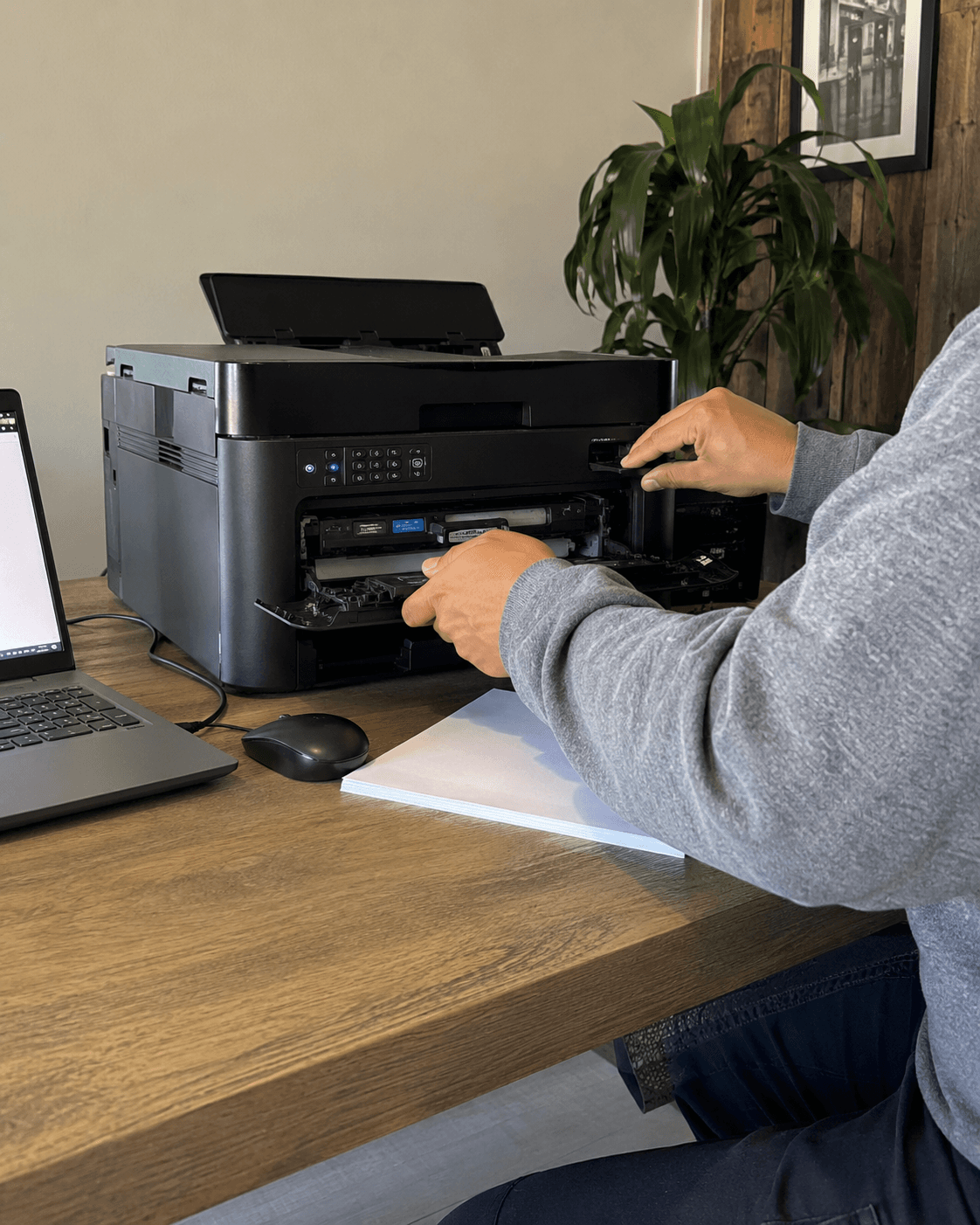
See how printer troubleshooting is handled on site.
See how Tech Genie tests the printer, finds the cause, and confirms that printing or scanning works again.
See the checks, decisions, and documentation included with service.
Equipment placement, testing, labels, and clear service notes are part of the work.
Printer troubleshooting FAQ
Printer troubleshooting questions
Do you troubleshoot printers in Los Angeles?
Yes. Tech Genie helps Los Angeles homes, home offices, and small businesses troubleshoot existing printers with offline errors, stuck queues, driver issues, scanner failures, and problems after router or Wi‑Fi changes.
Can you fix a printer that says offline?
Often, yes. Offline printer issues can come from Wi‑Fi changes, stuck queues, driver confusion, sleep mode, IP address changes, guest networks, or router replacements. The visit starts by separating those causes before reinstalling everything.
Can you set up scanning to a computer?
Usually, if the printer supports the workflow and the customer has the right computer, network, and account access available. Scan-to-computer, manufacturer apps, Windows scanning, and folder workflows can all be reviewed.
Should I repair or replace my printer?
It depends on age, ink or toner cost, error codes, parts availability, driver support, scan needs, and how important the workflow is. Some low-cost printers are better replaced than deeply repaired.
Arrange your service
Ready to schedule printer or scanner help?
Choose an available appointment time or request another window. Call or text if printing, scanning, or the network is the main issue.
Keep passwords, Wi‑Fi keys, recovery or 2FA codes, payment details, private files, and camera footage out of booking, calls, and texts.
Printer troubleshooting
Request printer or scanner help in Los Angeles.
Tell us your ZIP code, printer model if known, affected device, whether printing or scanning is failing, and what changed recently. Do not attach documents or include passwords.
Pick the closest service. You can add details before sending the request.
Protect your privacy
Describe the problem and device. Don’t send passwords, codes or private files.
Clear booking status
Available times book immediately. Requested windows need confirmation by call or text.
LA-area mobile service
Your private service address helps Tech Genie account for travel and offer a realistic arrival window.