
All service work
Printer troubleshooting
How we test a printer and scanner
A successful test from the printer’s own menu doesn’t prove your computer can print. We check the connection and software, then print and scan from the devices you use.
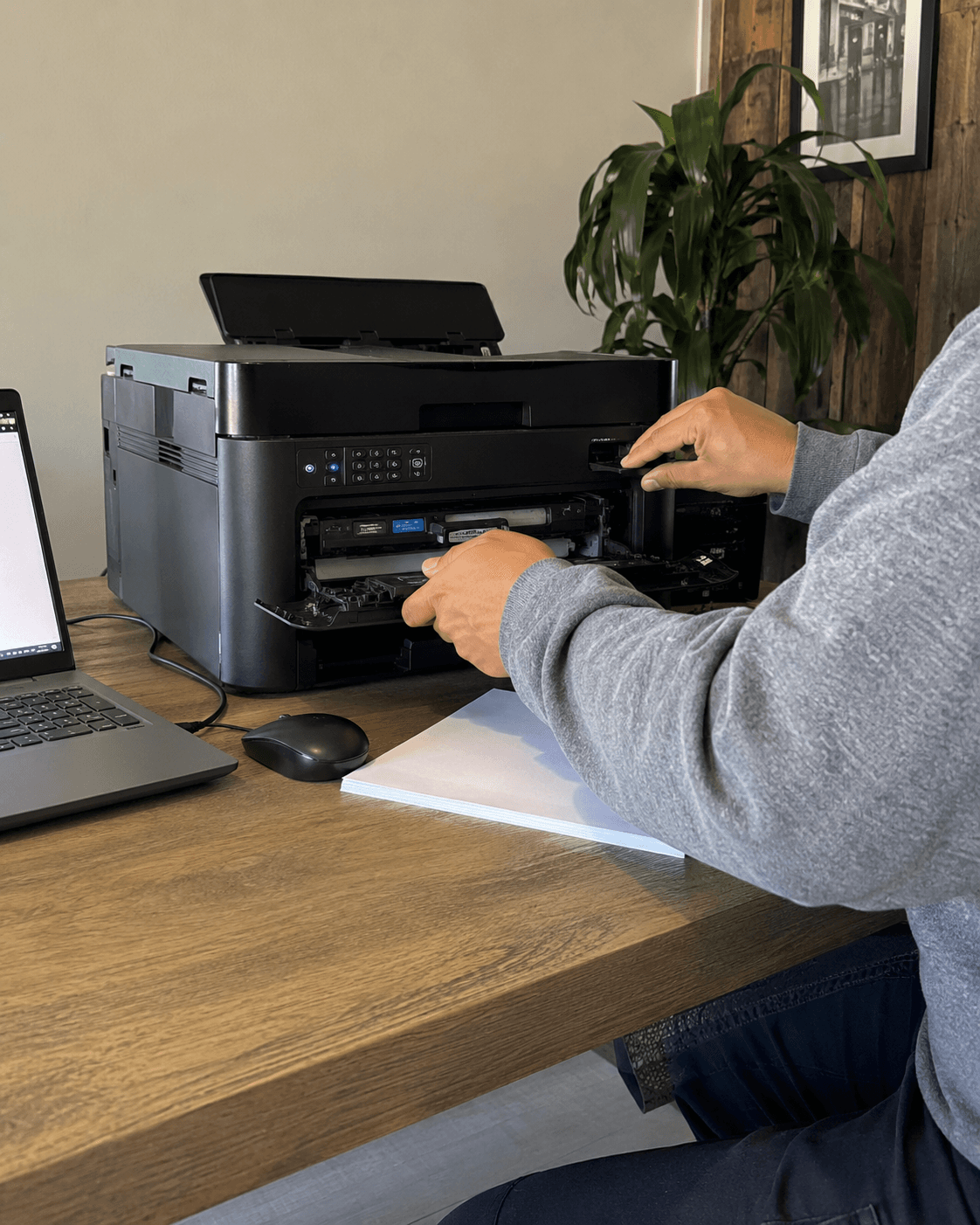
Service summary
The checks we make and what you receive.
What this visit solves
- Printer says offline or only works from one device.
- Scanning is broken even though basic printing still works.
- A router change, Windows update, or driver reinstall made the setup confusing.
What matters
- Confirm the printer, computer, and phone are on the right network.
- Clear stuck queues before reinstalling everything.
- Separate printer problems from scanner workflow problems.
Customer takeaway
- Whether the printer is worth saving or should be replaced.
- Which computers or phones were tested for printing and scanning.
- What to do if the router or Wi‑Fi changes again.
Book Printers & Scanners for offline printers, driver issues, scan setup, stuck queues, and small-office workflows.
Read the printer offline guide if you want quick checks before booking.