
Sherman Oaks, CA

Sherman Oaks Computer Repair, PC Help & Data Transfer

Get slow, confusing, or unreliable PCs and laptops back under control without handing over credentials or private files. Tech Genie serves Sherman Oaks homes and small businesses with clear scope, careful diagnostics, and specific recommendations.

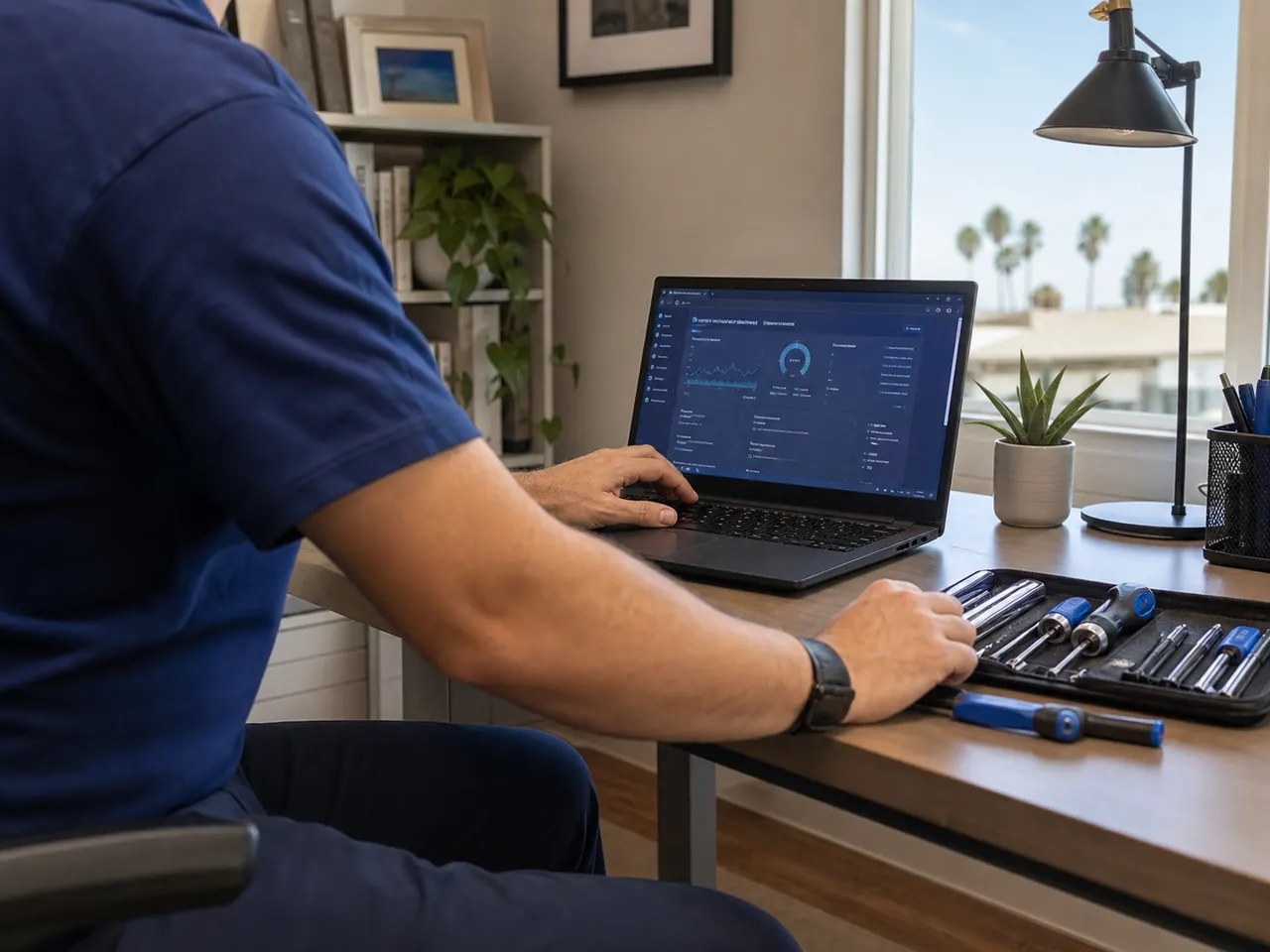
Computer Repair equipment and setup in Sherman Oaks

Typical starting point

$125+

Usually 1.5 hours

Final scope is confirmed before parts, wiring, risky changes, or larger project work.

Fast callback

Need computer repair in Sherman Oaks but want a quick callback first?

Briefly describe the issue, include your ZIP code, and choose the best time for a callback. We’ll recommend the right next step.

Keep it short: problem, ZIP, timing, and best callback number.

Share the symptom, device, room, timing, and urgency. Do not send passwords, Wi‑Fi keys, recovery/2FA codes, payment details, private files, or camera footage.

The secure anti-spam check loads only when you start using this form.

Keep a Sherman Oaks home-office repair focused on the actual fault

Check whether the computer or its connection is failing

A video meeting that drops, a cloud file that will not open and a computer that freezes can have different causes. Tell us whether other devices have the same problem and whether it happens on Wi-Fi, Ethernet or offline. We can scope the visit for the computer, the connection, or both rather than assume every symptom needs a replacement PC.

Prepare for work without sharing credentials

Keep the charger and affected peripherals available. Note the important apps and a safe time for restarts. Do not email passwords or paste private documents into the intake form; sign into your accounts yourself when needed. For employer-owned equipment, obtain the organization's authorization and support requirements before outside work.

Agree on data protection before changing software

Confirm when the last backup ran and whether anyone has tested a restore. A synced folder alone does not establish a complete backup. If a reinstall or reset is recommended, stop and review a separate high-risk authorization and a file-preservation plan. Backup setup, storage and continuing monitoring are separately scoped services.

Common Sherman Oaks problems

  • Slow PC or laptop startup, freezing, or crashes
  • Windows errors and update problems
  • New computer setup, laptop setup, or data-transfer planning
  • Hardware upgrade questions

What the visit can include

  • Basic health and startup review
  • Backup-aware troubleshooting
  • Cleanup or repair recommendations
  • Clear service notes on what changed and what still needs attention

Local service details

You receive clear recommendations on immediate priorities, future improvements, and what will make the setup more reliable.

Common local needs

  • Mesh Wi‑Fi design for larger homes
  • Smart doorbell, thermostat, lock, and lighting setup
  • Printer/scanner troubleshooting
  • Computer setup and cleanup
EncinoStudio CityVan NuysValley VillageBel Air

Professional on-site support

You receive a working setup with clear service notes and recommendations.

The visit starts with the symptom and the environment: device, network, account access, placement, wiring, or workflow. If the right answer is a quote, replacement, or larger project, you get that recommendation before more work begins.

Your privacy protected

Approval before risky changes

Clear service report

FAQs

Computer repair in Sherman Oaks: quick answers

Can one visit cover the computer and a printer?

Describe both problems in advance. We confirm a suitable service duration and scope rather than promise unlimited repairs in one appointment.

Will you automatically reset or reinstall my computer?

No. Destructive changes need explicit authorization describing the action and data risks; a general diagnostic visit is not that permission.

Do you handle computer repair in Sherman Oaks?

Yes. Get help with slow computers, startup problems, popups, upgrades, new-computer setup, and data transfers through careful, backup-aware troubleshooting. Sherman Oaks availability depends on schedule, ZIP code, access, parts, parking, travel time, and job size.

What can a computer repair visit include?

Basic health and startup review; Backup-aware troubleshooting; Cleanup or repair recommendations; Clear service notes on what changed and what still needs attention. Scope is confirmed before larger work, wiring, parts, or disruptive changes.

What should I include before the visit?

Include the ZIP code, affected devices or rooms, what changed recently, and your preferred window. Keep sensitive account, payment, and private-file details out of the request; if sign-in is needed, you can handle it during service.

Tech Genie is not a licensed contractor. Construction-related work is limited to casual, minor, or inconsequential projects totaling less than $1,000 for labor, materials, and all other items, requiring no building permit, and performed without employees or paid helpers.