
All service work
Home Wi‑Fi setup
How we set up and test home Wi-Fi
A mesh kit is only part of a Wi-Fi setup. We choose positions for the equipment, test the rooms you use and explain any limits that remain.
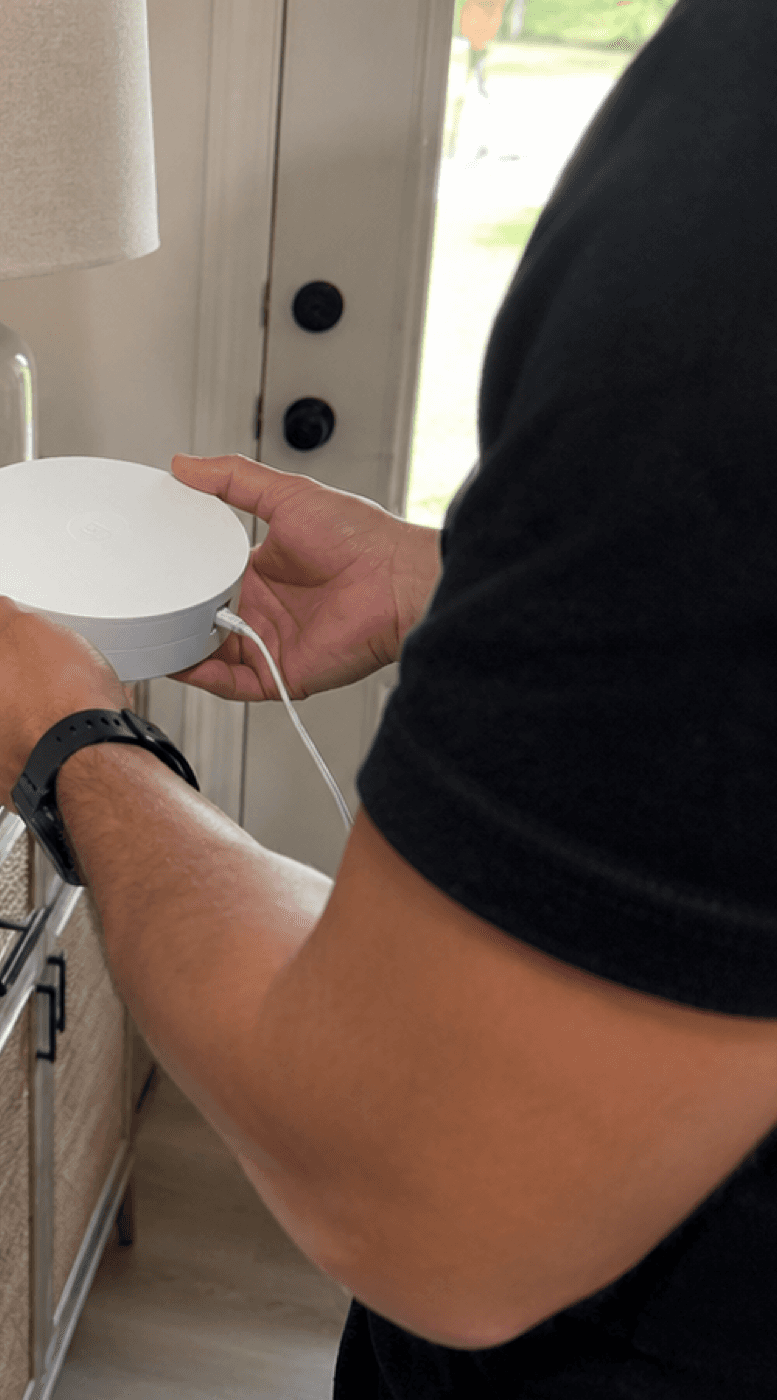
Wi‑Fi setup
The checks we make and what you receive.
What this visit solves
- Home or small-office Wi‑Fi needs better placement, app setup, or mesh planning.
- Printers, cameras, TVs, and smart devices depend on stable coverage.
- The customer needs a clear next step before buying more equipment.
What matters
- Test where people actually work, stream, print, and use cameras.
- Avoid placing mesh nodes inside the dead zone they are supposed to fix.
- Document the recommendation: move equipment, add wiring, replace the router, or add an access point.
Customer takeaway
- What the current Wi‑Fi setup can and cannot handle.
- Where equipment should sit and what should not be hidden in a closet.
- What upgrade would make the biggest difference if the current gear is not enough.
Wi‑Fi setup
Test the rooms, not just the router.
A mesh node needs a usable connection to the main router. We check that link as well as the signal reaching your desk, printer and other devices.
What the visit focuses on
- Plan hardware around the rooms and devices that matter most.
- Place mesh nodes where they still receive a strong connection instead of inside the dead zone.
- Verify priority devices after setup instead of stopping when the app shows a green light.
What you receive
- A room-by-room record of strong, weak, and unmeasured areas.
- A clear explanation of what was changed and what still limits performance.
- Recommended next steps for placement, wiring, access points, or hardware when more work is needed.
Book Wi‑Fi & Networking for dead zones, slow internet, mesh placement, router confusion, or smart-device dropouts.
Use the Wi‑Fi guide first if you want to understand what to check before buying extenders.