Home Tech Care
$49/ mo
For families that want fewer Wi‑Fi, printer, smart-home, and computer surprises.
- Priority scheduling window
- Service history + reports
- Quarterly remote/phone check-in
- Discounted follow-up diagnostics

Monthly care plans
For homes and businesses that need regular check-ins or follow-up after a service visit. We first review the equipment, then propose a plan with specific inclusions and exclusions.
Starts at $49/month after an initial visit. Included work, access and any separately billed service are agreed before enrollment.
Three clear paths
Plans begin after the initial visit and your approval of the written terms. Parts, projects, wiring, emergencies, and major labor stay separately approved unless written into the plan.
Home Tech Care
For families that want fewer Wi‑Fi, printer, smart-home, and computer surprises.
$49/ mo
Small Office Care
For small offices and businesses where technology problems interrupt work.
$99/ mo
Network Guardian
For camera systems, network cabinets, server racks, or multi-device environments.
Custom
Choose the right service
Select the statements that apply to your business. No account details or private information are requested.
Focused visit
Start with the closest service category. If the visit reveals repeat risk, Tech Genie can recommend a checkup or monthly care later.
Your business needs
0 of 6 selected
Monthly care is never automatic. Monitoring, recurring checks, remote access, billing, and bigger project work need clear approval first.
Fast callback
Tell us what keeps going wrong, whether this is for a home or business, and the best time to call. We’ll recommend the right starting point.
Keep it short: problem, ZIP, timing, and best callback number.
Service highlights
These examples show the reports, equipment notes, and follow-up records used to support recurring service.
See the checks, decisions, and documentation included with service.
Equipment placement, testing, labels, and clear service notes are part of the work.
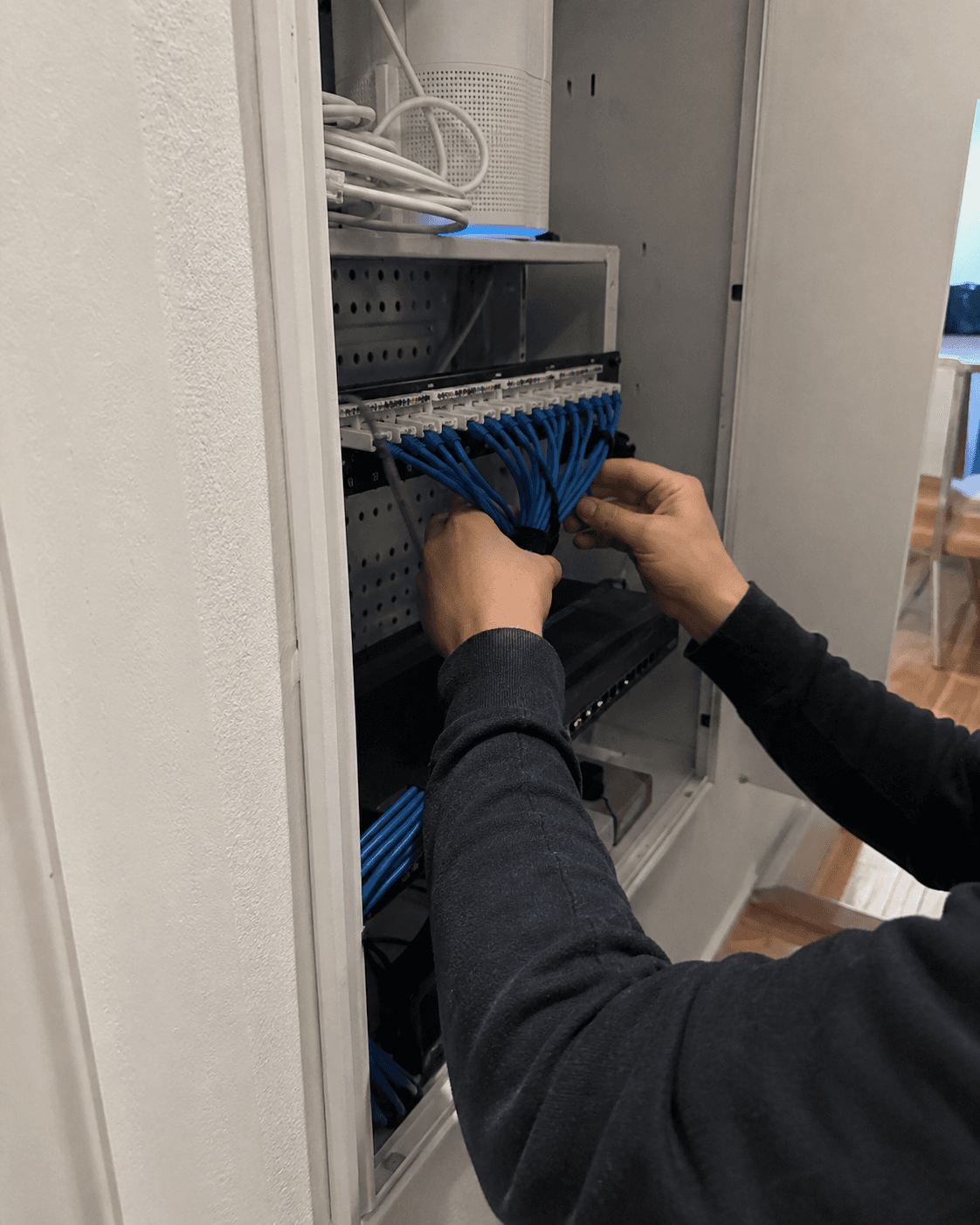
Network cabinet cleanup service
An undocumented cabinet can make every future outage harder to diagnose. Clear labels and organized cable paths reduce troubleshooting time and unnecessary downtime.
Explore service
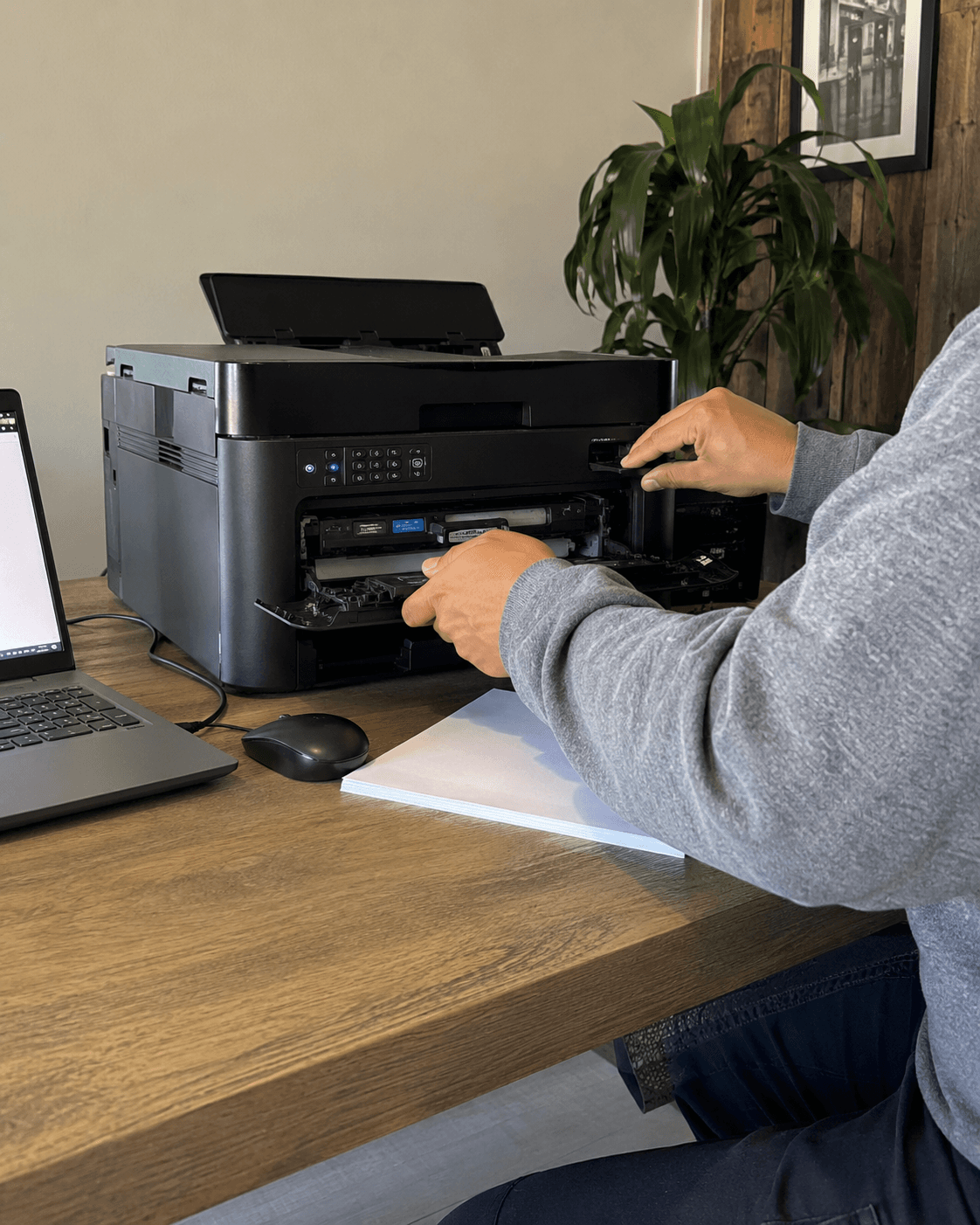
Printer troubleshooting service
A successful test from the printer’s own menu doesn’t prove your computer can print. We check the connection and software, then print and scan from the devices you use.
Explore service
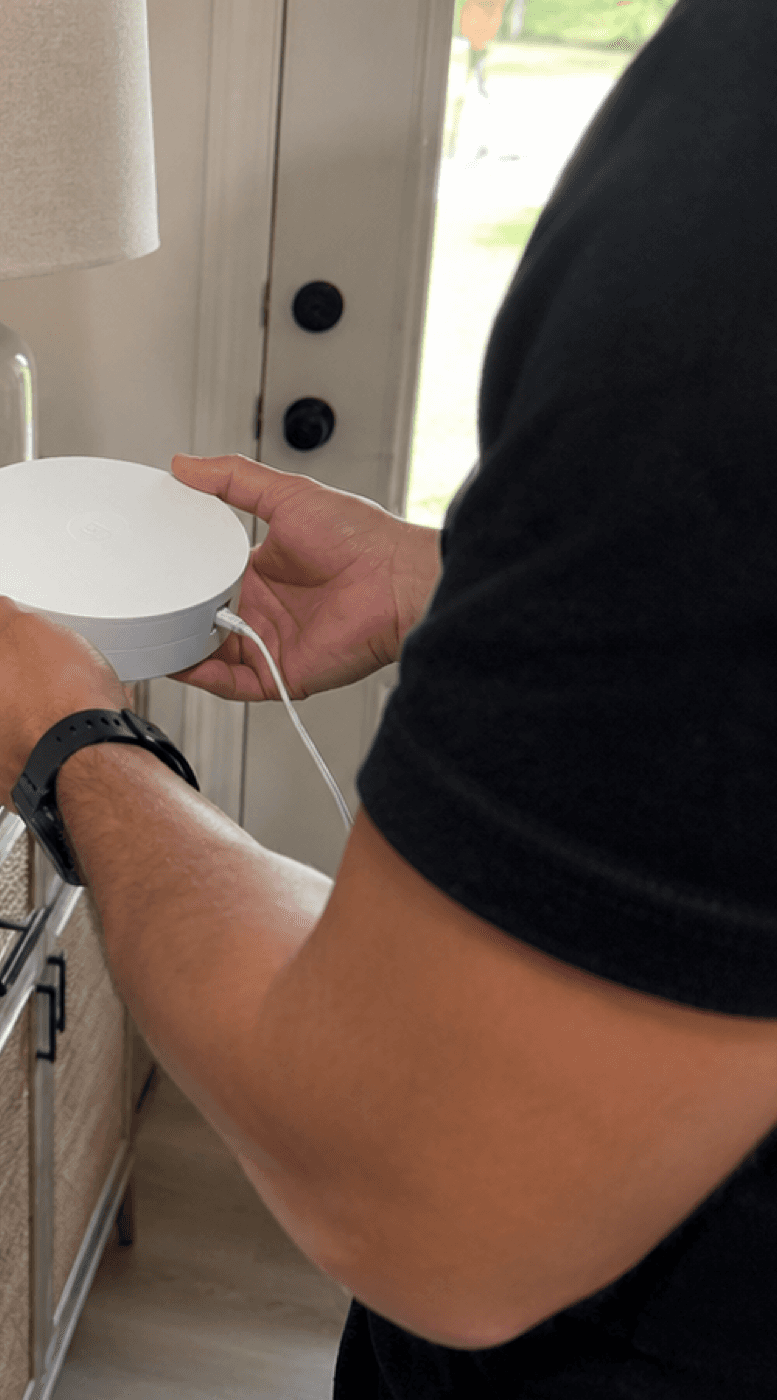
Home Wi‑Fi setup service
A mesh kit is only part of a Wi-Fi setup. We choose positions for the equipment, test the rooms you use and explain any limits that remain.
Explore service
For families that want fewer Wi‑Fi, printer, smart-home, and computer surprises.
For small offices and businesses where technology problems interrupt work.
For camera systems, network cabinets, server racks, or multi-device environments.
What is included
Compare these options with your proposed plan. The written agreement determines which services and schedule apply.
Priority scheduling compared with one-off requests
Organized service history in the client portal
Clear reports and recommended next actions
Periodic check-ins for Wi‑Fi, printers, computers, cameras, and network gear
Attended remote support when it is appropriate for the issue
Quote-before-expansion policy for projects, parts, wiring, and larger repairs
How it works
The first visit identifies the equipment and support needs. Review the proposed check-ins, coverage and price before deciding whether to enroll.
For small businesses1
We review your equipment and reported issues before proposing ongoing work.
2
Routers, printers, cameras, access points, computers, notes, reports, and recommendations get organized so the next visit starts smarter.
3
Check-ins, priority scheduling, remote triage, and recommendations keep small issues from becoming emergency calls.
4
Hardware, cabling, mounting, backup changes, and project labor are separated from the monthly plan so expectations stay clean.
Your written care plan
If the same problems return or equipment needs scheduled attention, ask for a written plan. It should explain what is checked, how often, how to request help and what costs extra.
What the proposal is not
A recommendation does not enroll you. Billing, monitoring and any remote access need separate approval; unlimited emergency labor is not included by default.
1
After the visit, Tech Genie documents the outcome, completed work, next steps, and whether recurring support would be beneficial.
2
If a plan is recommended, Tech Genie provides a clear care-plan proposal with included items, exclusions, and starting-point pricing.
3
The proposal is not automatic billing. Monitoring, remote access, recurring checks, and payment terms require clear customer approval first.
When monthly care helps
When another service is better
Home Tech Care
You receive a documented service history that helps future visits start with the right context.
Small Office Care
You receive priority scheduling and a monthly review of the systems your business depends on.
Network Guardian
You receive an organized maintenance plan for critical network and camera equipment.
Client portal access
Clients can log in to see reports, quotes, invoices, support requests, and the plan that is active. This keeps service information easy to review during and after each visit.
Boundaries that protect trust
Tech Genie is not a licensed contractor. Construction-related work is limited to casual, minor, or inconsequential projects totaling less than $1,000 for labor, materials, and all other items, requiring no building permit, and performed without employees or paid helpers.