
Small business IT support in Los Angeles
Small business IT support in Los Angeles.
Get help with the office equipment or connection that is holding up work. We can investigate an immediate fault, set up a workstation or review several recurring problems in a checkup.
Business IT checkup from $175 · monthly care starts at $99/month after the first visit
For urgent business downtime, call first. Keep account passwords, customer records, payment details, private files, and sensitive camera details out of requests.
Office Wi‑Fi, printers, cameras, workstations, and recurring support
What needs fixing or setting up?
The first visit stays focused on the approved problem. Connected systems can be documented and moved into a separate quote or care plan when needed.
Office Wi‑Fi and network reliability
Find out why a desk, room or shared device loses its connection.
See service detailsPrinters, scanners, and workstations
Restore the print or scan task staff need, or prepare a replacement workstation for use.
See service detailsCameras, smart devices, and vendors
Check viewing, recording and local connections. Installation and vendor-specific work are separately scoped.
See service detailsBusiness email setup
Set up business email on the devices staff use. Domain changes and migrations need an agreed plan.
See service detailsNAS backup and shared files
Review shared-folder access and backup jobs, including whether an agreed sample can be restored.
See service detailsReports, quotes, and monthly care
Use the visit findings to decide which work to approve and whether scheduled follow-up is needed.
See service detailsScope, consent, and handoff
Approve the work before it starts.
An authorized person should be available for sign-ins and decisions. We explain any proposed reset, account change or interruption before proceeding, and quote work outside the visit separately.
How the first visit works
- 1Confirm business type, ZIP code, affected systems, downtime risk, access limits, and who can approve changes.
- 2Start with safe diagnostics before resets, account changes, remote tools, monitoring, cabling, mounting, or hardware purchases.
- 3Complete approved work that can be handled safely during the visit. Document additional recommendations and provide estimates before expanding the scope.
- 4Recommend monthly care only when recurring support, service history, and priority follow-up would help the business.
Privacy and safety boundaries
No passwords, MFA codes, customer records, payment data, private files, camera footage, or confidential business details in forms.
Remote access, monitoring, admin changes, vendor account changes, and recurring support require approval.
Larger projects, cabling, mounting, parts, after-hours work, migrations, and cleanup jobs are quoted before work begins.
Standard service does not include a guaranteed 24/7 response SLA. Custom response and coverage terms are quoted separately.
Service highlights
See the service records that make recurring support easier.
Examples show how Wi‑Fi, printers, workstations, cameras, and network gear become a clear priority list without exposing client systems or private data.
See the checks, decisions, and documentation included with service.
Equipment placement, testing, labels, and clear service notes are part of the work.
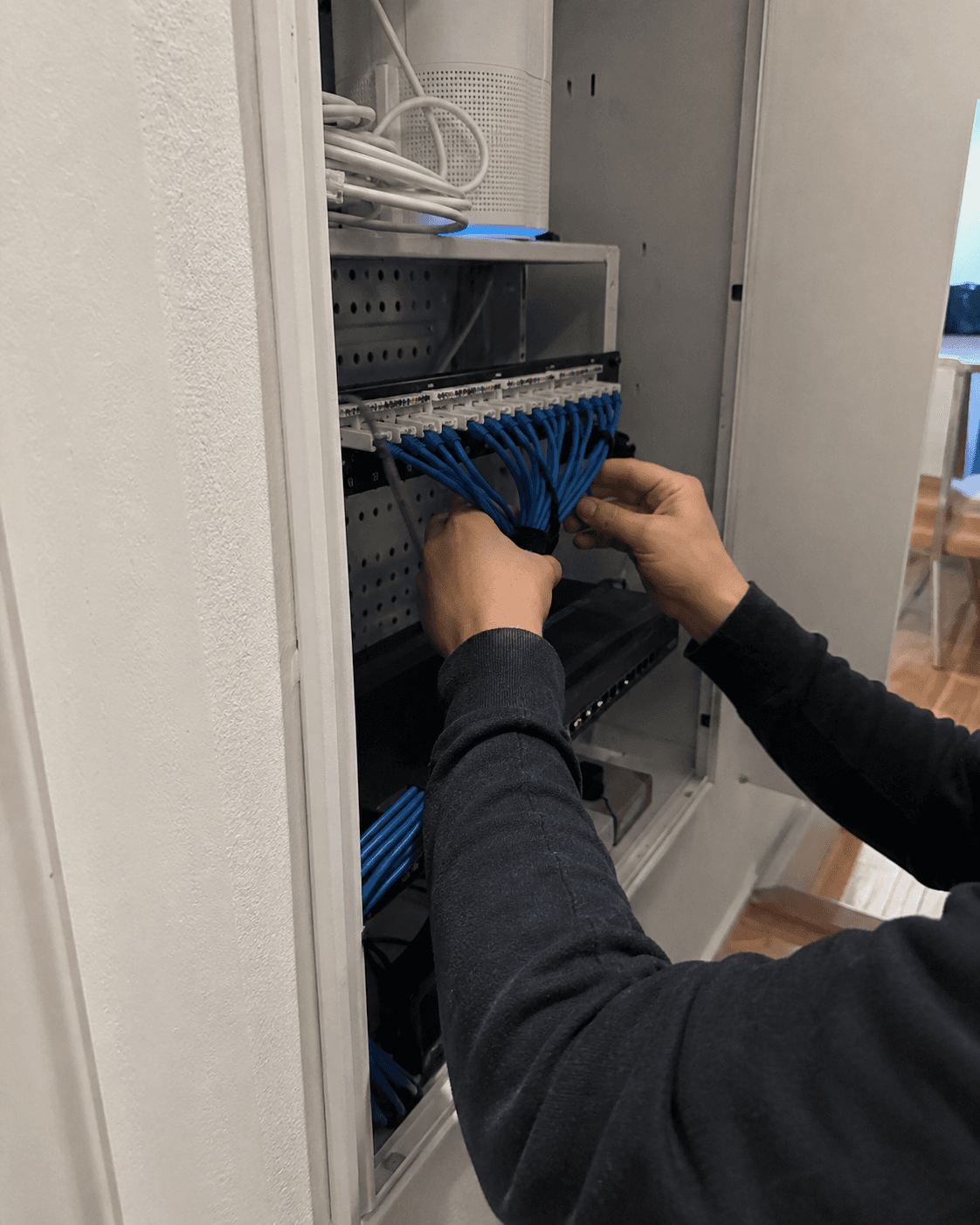
Network cabinet cleanup service
Network cabinet cleanup
An undocumented cabinet can make every future outage harder to diagnose. Clear labels and organized cable paths reduce troubleshooting time and unnecessary downtime.
Explore service
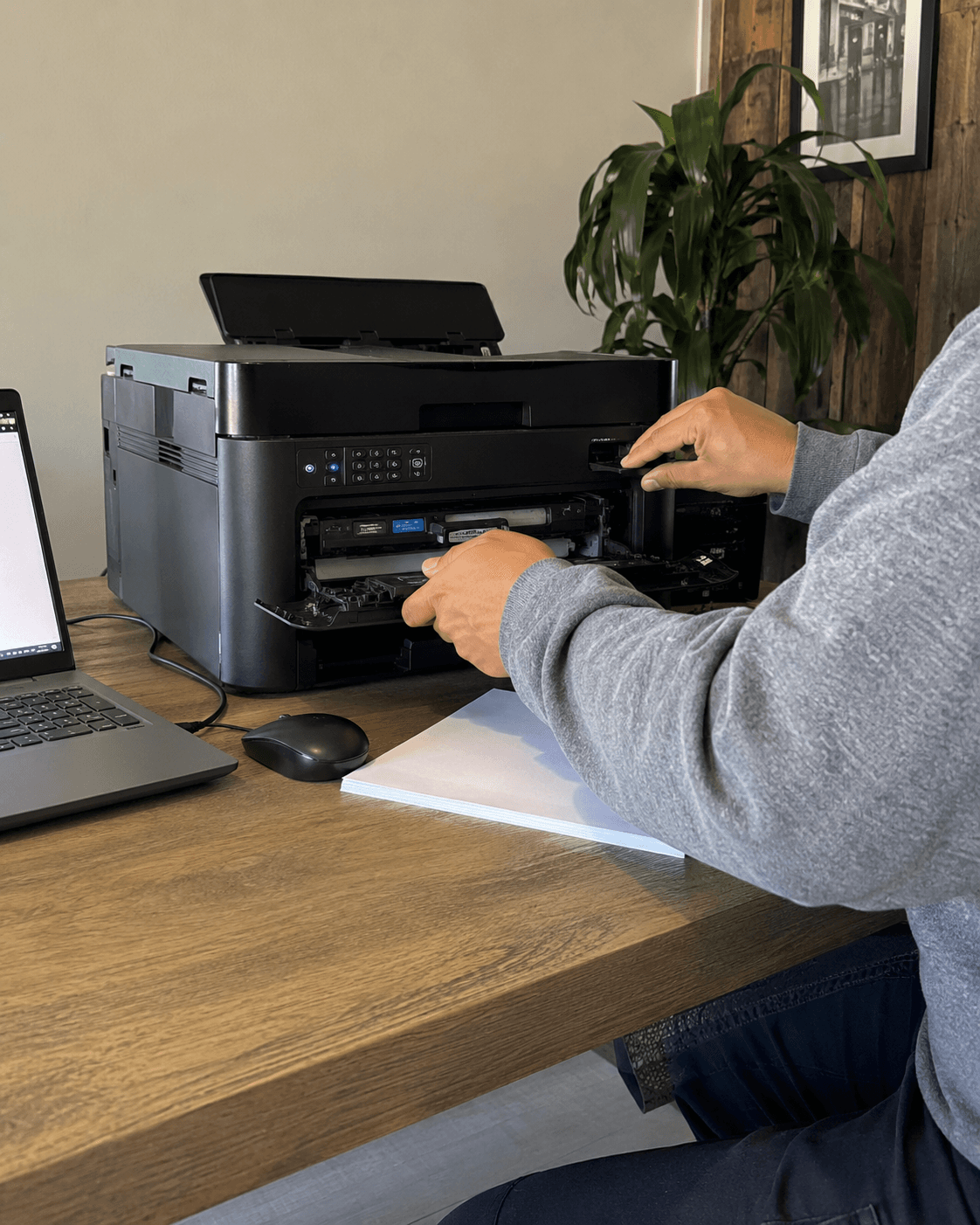
Printer troubleshooting service
Printer troubleshooting
A successful test from the printer’s own menu doesn’t prove your computer can print. We check the connection and software, then print and scan from the devices you use.
Explore service
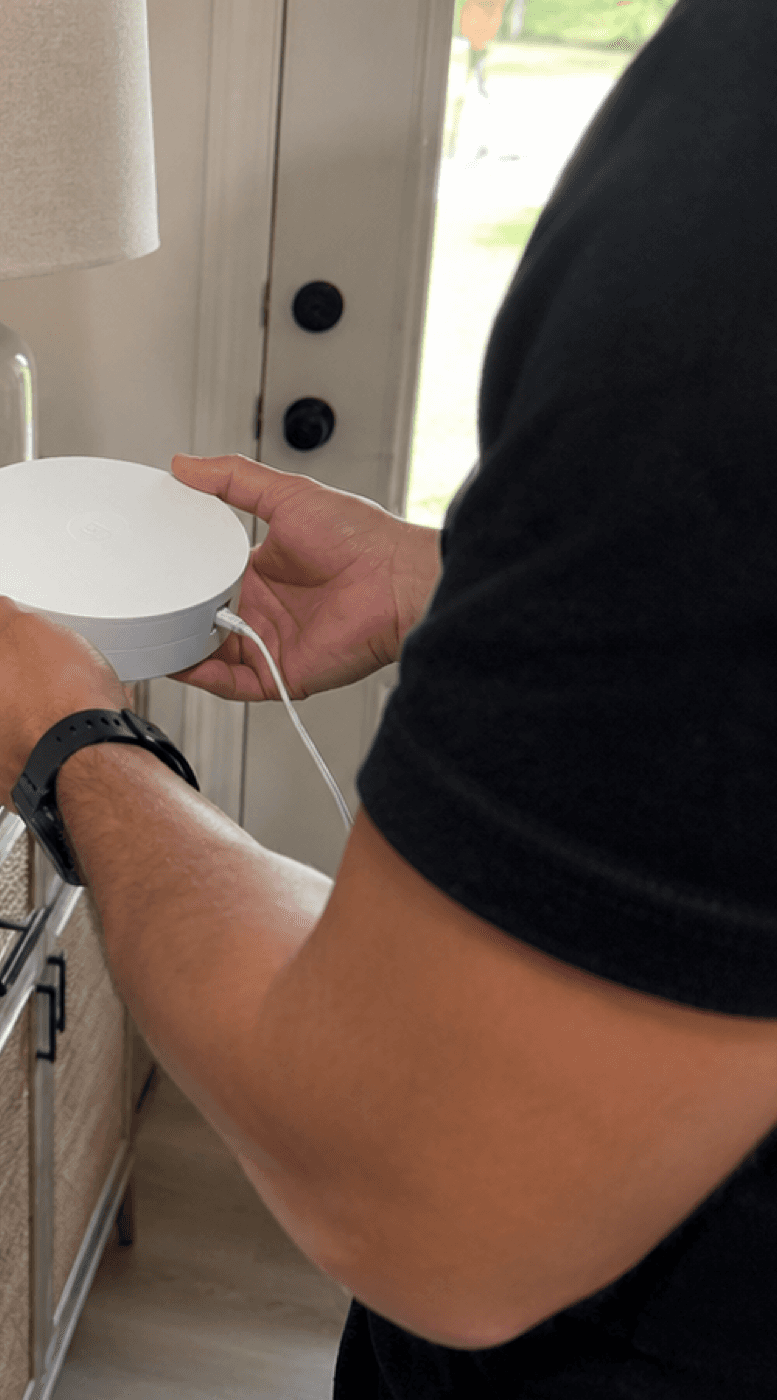
Home Wi‑Fi setup service
Home Wi‑Fi setup
A mesh kit is only part of a Wi-Fi setup. We choose positions for the equipment, test the rooms you use and explain any limits that remain.
Explore service
Planning a visit or project?
Arrange your service
Ready to schedule business IT help?
Choose an available appointment time or request another window. Call or text first if downtime is urgent or you are unsure whether the work needs an estimate.
Keep passwords, Wi‑Fi keys, recovery or 2FA codes, payment details, private files, and camera footage out of booking, calls, and texts.
Small business IT support FAQ
Quick answers before you book.
Do you provide small business IT support in Los Angeles?
Yes. Tech Genie helps Los Angeles offices, shops, studios, home offices, clinics, front desks, property managers, and growing teams with Wi‑Fi, printer, workstation, camera, email, and network support.
Can this become monthly IT support?
Yes. The usual path is a first visit or business IT checkup, followed by a monthly-care recommendation when recurring support, documentation, and priority follow-up would save time.
What coverage is included?
Coverage follows the selected visit, project, or care plan. Guaranteed response times, after-hours service, monitoring, compliance work, and larger projects are included only when stated in a written agreement.
What should a business share before booking?
Share the business type, ZIP code, affected systems, timing, and who can approve changes. Keep passwords, customer records, payment data, camera footage, private files, and confidential details out of forms.
Small business IT support
Request small business IT support in Los Angeles.
Share the safe basics: business type, ZIP, affected systems, timing, and who can approve changes. Do not send passwords, customer records, payment data, camera footage, private files, or confidential details.
Pick the closest service. You can add details before sending the request.
Protect your privacy
Describe the problem and device. Don’t send passwords, codes or private files.
Clear booking status
Available times book immediately. Requested windows need confirmation by call or text.
LA-area mobile service
Your private service address helps Tech Genie account for travel and offer a realistic arrival window.